API
Anything you can do in the dashboard — managing displays, playlists, playables, locations and more — you can also do through the Bohemica Signage REST API. Use it to automate routine work or to connect your screens to systems you already use, such as booking systems, queue management or business data. This article explains where to find the API reference, how to sign in, and what the API can access.
Where to find the API reference
Each server publishes its own API reference: every endpoint with its parameters, an example request and an example response. Open /docs/v1 at your server's address, for example:
https://your-server.bsgn.cc/docs/v1
To find your server's address, sign in at app.bsgn.cc and point at the server name at the bottom of the menu — the address appears as you hover over it. If you use several servers, each one has its own address and its own API.
Not registered yet, or not sure which address to use? Write to us at team@bohemicastudio.com and we'll get you access to the API documentation.
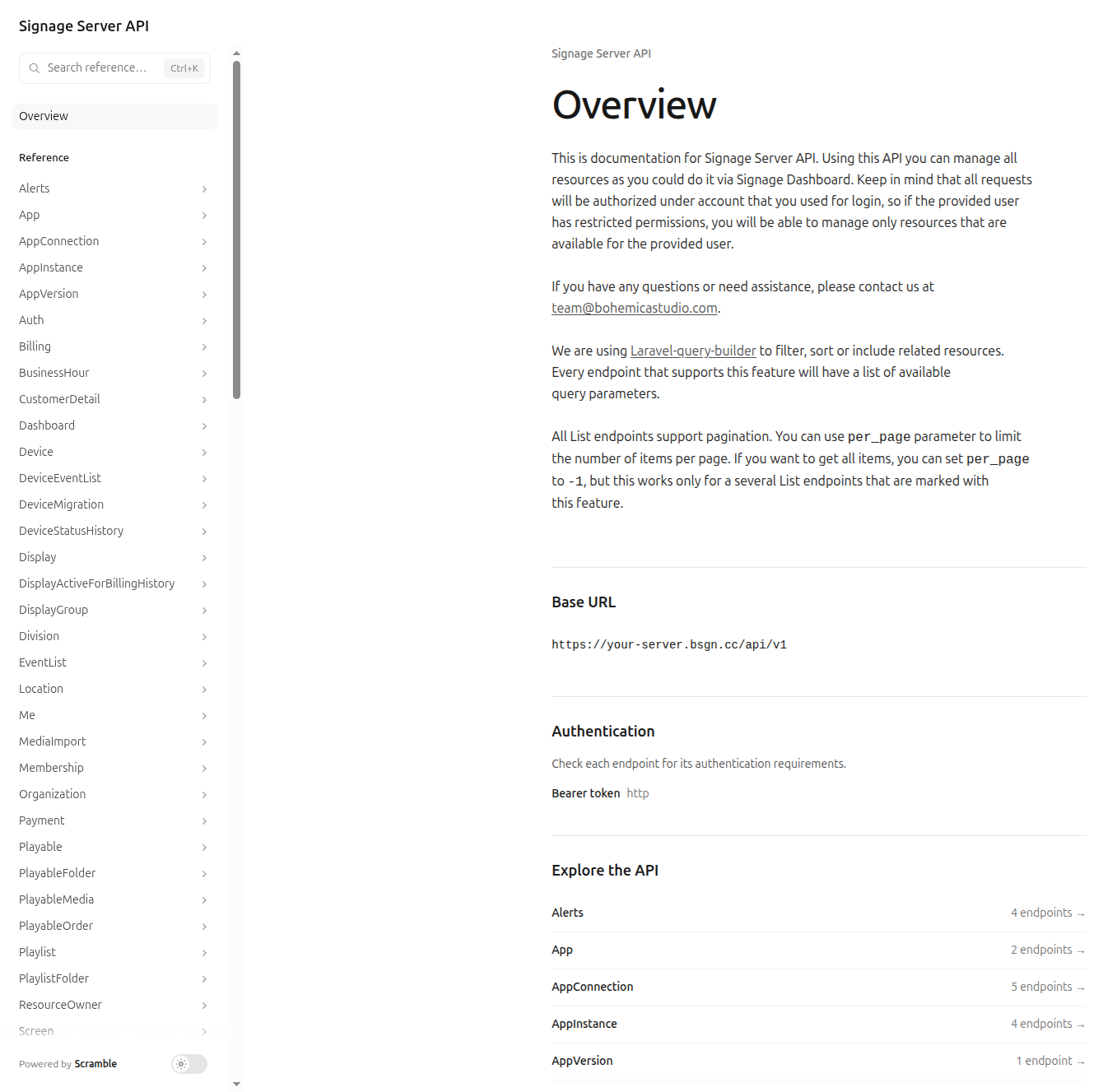
Requests go to the base URL shown in the reference — your server's address followed by /api/v1, for example https://your-server.bsgn.cc/api/v1.
Sign in and get an API token
The API uses bearer tokens. To get one, sign in through the API:
- Send the Login request (in the Auth section of the reference) with the email address and password of your Bohemica Signage account.
- The response includes an API token.
- Send the token with every other request in the
Authorizationheader:Authorization: Bearer <token>.
Every login creates a new token, and a token stays valid until you revoke it with the Logout request. So sign in once, store the token securely and reuse it — don't sign in again before every request.
Treat the token like a password
Anyone who has the token can do everything your account can. Keep it out of shared code, screenshots and messages. If a token may have leaked, revoke it with the Logout request.
Accounts that sign in with Google or Microsoft have no Bohemica Signage password, so they can't sign in to the API this way. Use an account with a password instead — ideally a dedicated one — or contact us.
What the API can access
Every request runs as the account you signed in with, with the same permissions it has in the dashboard. If your role only lets you view or change some things, the same applies through the API, and anything beyond it is refused.
Requests work within one department at a time — by default, the department you last worked in. To choose a different one, send its ID in the X-Active-Division header (the API reference calls departments divisions). Organization admins can send all instead to work across all departments.
Use a dedicated account for integrations
For an integration that runs long-term, invite a separate user just for it, and give it only the role it needs in the departments it works with. The integration then doesn't depend on any one person's account, and its access is easy to review or remove.
Filtering, sorting and pagination
List requests can be filtered, sorted and extended with related resources through query parameters — each endpoint in the reference lists the ones it supports. Lists are paginated: use the per_page parameter to set how many items you get per page. Some list endpoints, marked in the reference, also accept per_page=-1 to return everything at once.
FAQ
Where do I find the API documentation?
On your server, at /docs/v1 — for example https://your-server.bsgn.cc/docs/v1. If you're not registered yet, write to us at team@bohemicastudio.com.
How do I find my server's address?
Sign in at app.bsgn.cc and point at the server name at the bottom of the menu. If you can't find it, ask us.
Can I do everything through the API that I can do in the dashboard?
Yes. The API covers what you manage in the dashboard, within the permissions of the account you signed in with.
Why do I get a 401 response?
The request has no valid token — check the Authorization header, or sign in again to get a new one, for example after you revoked the old token. On the Login request itself, it means the email address or password is wrong.
Why do I get a 403 response?
Your account isn't allowed to do that — for example, your role doesn't permit the change, you tried to change something in a department you're not a member of, or you asked for all departments without being an Organization admin. See Departments, Users & Roles.
I sign in with Google or Microsoft. How do I use the API?
Single sign-on accounts have no password to sign in to the API with. Invite a dedicated user with a password for the integration, or contact us.
Need help?
Planning an integration, or missing something in the API? Write to us at team@bohemicastudio.com — we're happy to help.